
YouTube & Video Marketing
Video Repurposing: How to Turn One Business Video Into Shorts, Reels and Social Clips
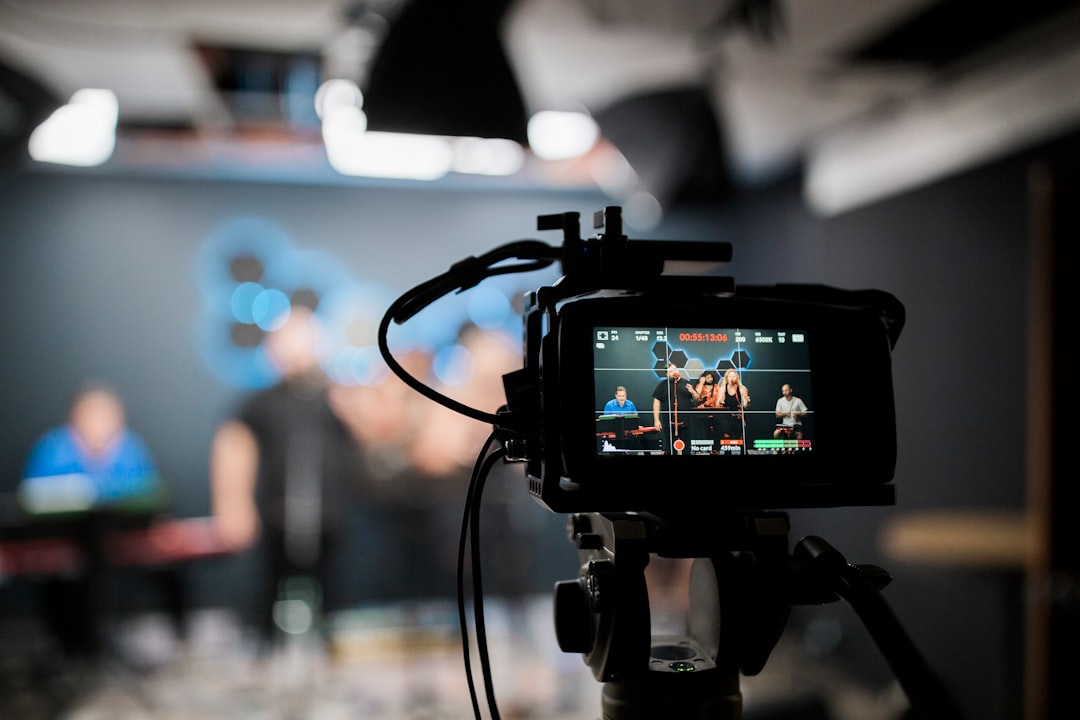
Video repurposing lets a small business get more useful distribution from one well-planned master asset. Instead of recording a separate idea for every platform, create the strongest version first and adapt selected parts for different audiences and screen formats.
The key is to repurpose intentionally. A shorter clip should still make sense on its own and should not feel like a random fragment pulled from a longer video.
Start Video Repurposing With a Strong Master
The most efficient video repurposing workflow begins before recording. Choose a topic with several useful sections, clear examples, and moments that can stand alone.
A 10-minute business tutorial might contain an opening problem, three practical steps, one common mistake, and a conclusion. Each of those sections could become a separate short clip after the master is approved.
Create the Landscape Master First
For a business publishing across multiple channels, a clean 16:9 master works well for destinations such as YouTube and Facebook. Record and edit this version for clarity rather than trying to satisfy every platform at once.
Once the master is final, begin video repurposing from the approved timeline. This helps captions, graphics, claims, and calls to action stay consistent.
Reframe Video Repurposing for Vertical Viewing
Vertical platforms require more than simply cropping the sides. Reposition the speaker, screen recording, product, or demonstration so the important information remains visible in 9:16.
Resize captions, simplify overlays, and check safe areas so platform buttons do not cover critical text. A vertical version should feel designed for vertical viewing.
Cut Clips Around One Complete Idea
Each short clip should answer one question or deliver one lesson. A practical video repurposing clip structure is an immediate hook, one useful explanation, an example, and a simple next action.
Avoid clips that begin halfway through a sentence or depend on several minutes of missing context.
Change the CTA to Match the Platform
The master video might send viewers to a detailed service page. A short clip may work better with a lighter next step such as watch the full guide, read the checklist, or see the link in the profile.
Good video repurposing preserves the core message while adapting the action to the viewer’s level of intent.
Turn the Video Into Written Content
A reviewed transcript can become an article, FAQ section, email, checklist, or supporting social post. Do not paste a raw transcript and call it an article. Rewrite it for reading, add headings, verify claims, and link to related resources.
This creates an owned search asset while the video continues working on social platforms.
Use Analytics to Decide What to Repurpose
YouTube Analytics can show which moments hold attention and which topics attract viewers. Use those signals to prioritize clips. A section that viewers repeatedly watch or a topic that drives search traffic may deserve its own short or follow-up video.
Video repurposing becomes stronger when the source material is chosen from performance data rather than convenience alone.
Keep a Video Repurposing Asset Map
For every master video, track the derivative assets: landscape master, vertical version, short clips, article, thumbnail files, captions, and links. This prevents duplicated work and makes future updates easier.
Build the Full Video System
For strategy, see YouTube Marketing for Small Businesses. If your business needs help designing a repeatable master-to-clips workflow, review Nacluv Tech YouTube Automation.
Video Repurposing Checklist
- Create one high-quality master first.
- Approve the facts and brand message.
- Identify standalone moments.
- Reframe carefully for 9:16.
- Rewrite captions and overlays for mobile.
- Use a platform-appropriate CTA.
- Convert strong topics into owned written content.
- Track every derivative asset.
The Bottom Line
Video repurposing reduces production waste because one researched idea can support multiple useful assets. Build the master for quality, then adapt it with purpose rather than simply duplicating the same file everywhere.