Computer Recycling & IT Asset Disposition
IT Asset Disposition Process: From Inventory to Recycling and Documentation
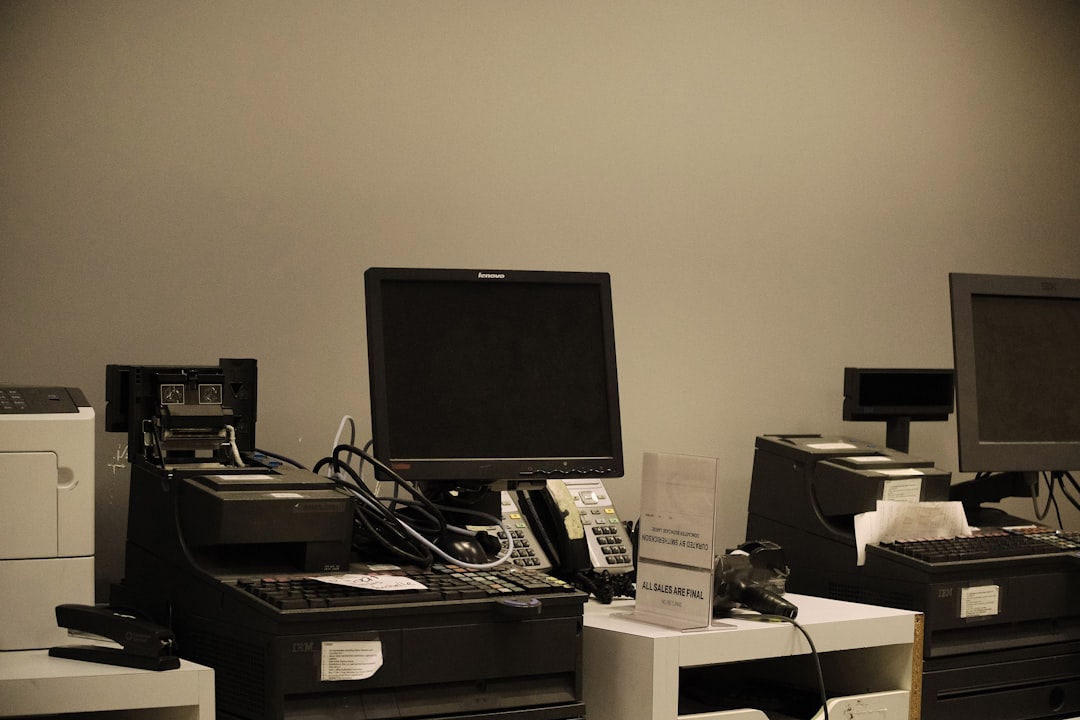
An IT asset disposition process is the controlled path used to retire computers and other technology from active service. It should protect data, preserve recoverable value where practical and route unusable equipment into responsible downstream recycling.
Step 1: Build the IT Asset Disposition Inventory
Record the equipment being retired. Depending on business needs, capture asset tag, serial number, device type, assigned user, storage media and physical condition.
Step 2: Separate Business Records From the Hardware
Confirm backups, retention requirements, software licensing and account-transfer needs before equipment is wiped or removed. Retiring hardware should not accidentally retire information the business is required to keep.
Step 3: Classify Assets for Reuse, Resale or Recycling
Not every retired computer is waste. Some equipment may have secondary-market or donation value after data and ownership issues are resolved. Damaged, obsolete or uneconomical equipment may move directly toward recycling.
Step 4: Apply the Approved Data-Sanitization Process
The IT asset disposition process should follow the organization’s media-sanitization policy for data-bearing devices. NIST SP 800-88 Rev. 2 provides current guidance for building a media-sanitization program based on sensitivity and applicable methods.
Step 5: Maintain Chain of Custody
Define who can handle retired equipment, where it is staged and when responsibility transfers to another party. Higher-risk environments may need more formal transfer records and secure transportation.
Step 6: Evaluate Downstream Recycling
Ask where non-reusable equipment goes and what standards are used. EPA recommends certified electronics recyclers for businesses and points to R2 and e-Stewards certification programs.
Step 7: Reconcile the Final Asset List
After processing, compare the completed disposition record with the original inventory. Investigate missing serial numbers, unexpected devices or incomplete records rather than assuming every asset followed the planned path.
Step 8: Retain Useful Documentation
Depending on policy and compliance needs, retain pickup records, disposition reports, sanitization evidence, certificates and asset reconciliation documents for the required period.
Common ITAD Problems
- equipment retired without an inventory;
- data sanitization treated as an afterthought;
- usable assets discarded unnecessarily;
- unknown downstream recyclers;
- unsecured staging areas;
- missing asset reconciliation;
- documentation that does not match the actual process.
Connect ITAD to Computer Recycling
Read Data Destruction Before Computer Recycling for the security layer and Business Computer Recycling and ITAD for the broader guide. For service options, review Nacluv Tech Computer Recycling Services.
The Bottom Line
A reliable IT asset disposition process connects inventory, data protection, reuse decisions, downstream recycling and documentation. Treat retired technology as a controlled business asset until final disposition is confirmed.